Pick a spot
everyone likes
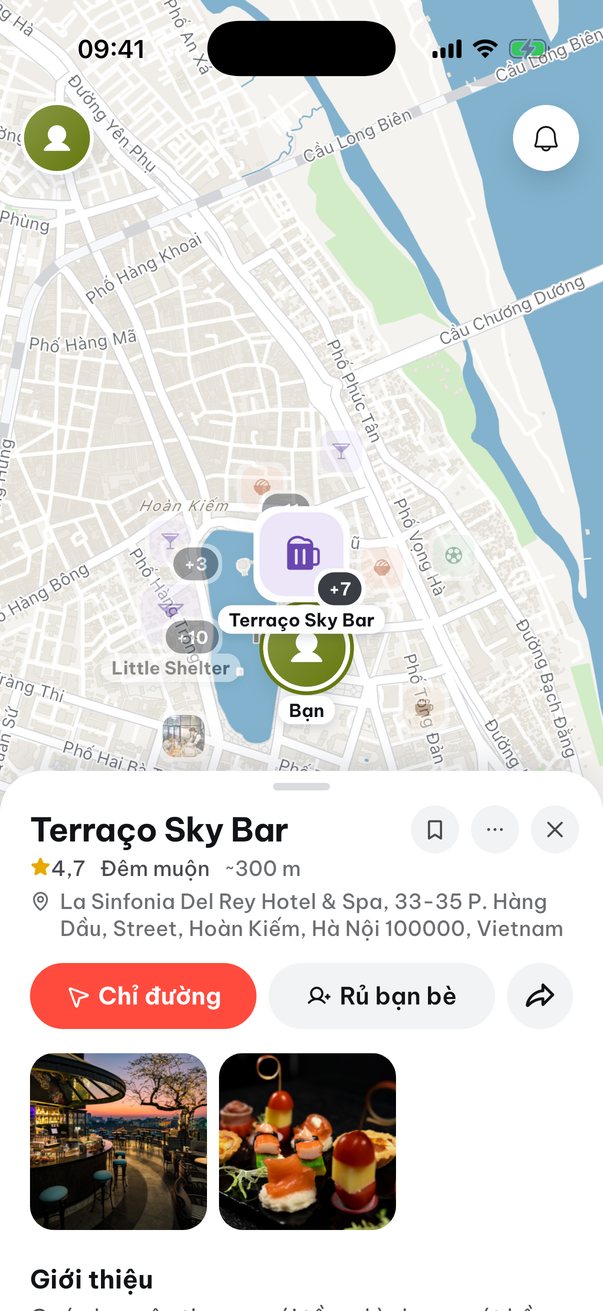
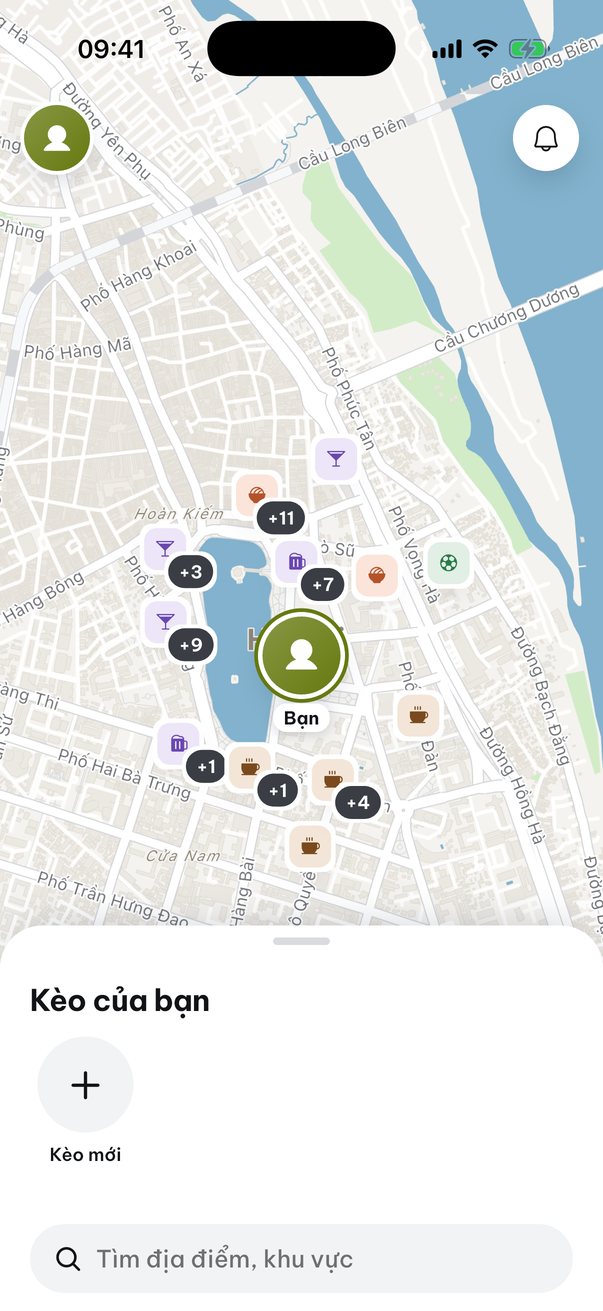
Start a plan and drop the link in your group chat. Everyone hearts the places they'd go to, and the host can see which one is winning and set a time.
- Free
- No account needed
- English and Tiếng Việt
Every plan gets stuck
on “so where?”
Everyone says anywhere is fine, and then nobody picks. Wedidi gives the group one list to choose from.
LinhWhere are we going Saturday night?
HuyAnywhere works
MaiSomewhere close please, I'm in Long Bien
So who's picking?
HuyUp to you guys
Two days later, still nothing decided
Decided: Vừa. Cà Phê, Saturday at 19:00
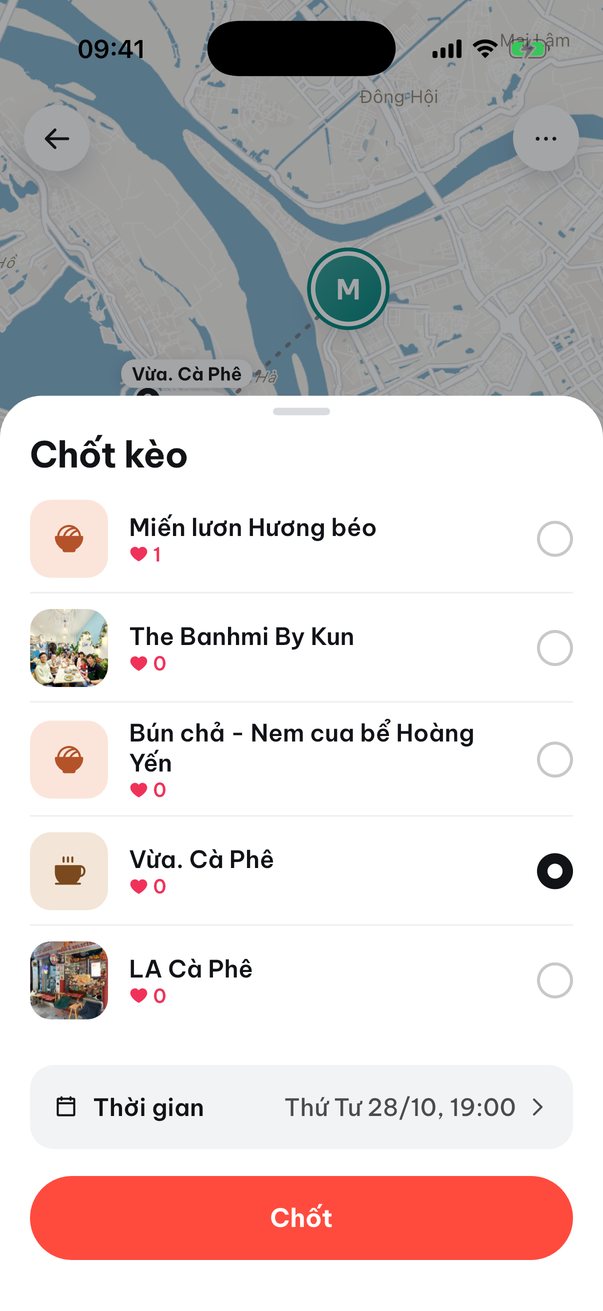
The places with the most hearts are easy to spot. The host taps Decide and everyone knows where to go.
Saves you a pile
of back and forth
Nobody gets the long ride
One of you is in Long Bien and another is in Cau Giay? Switch the search to each person and see how far every spot is for them.
Shown: results around Mai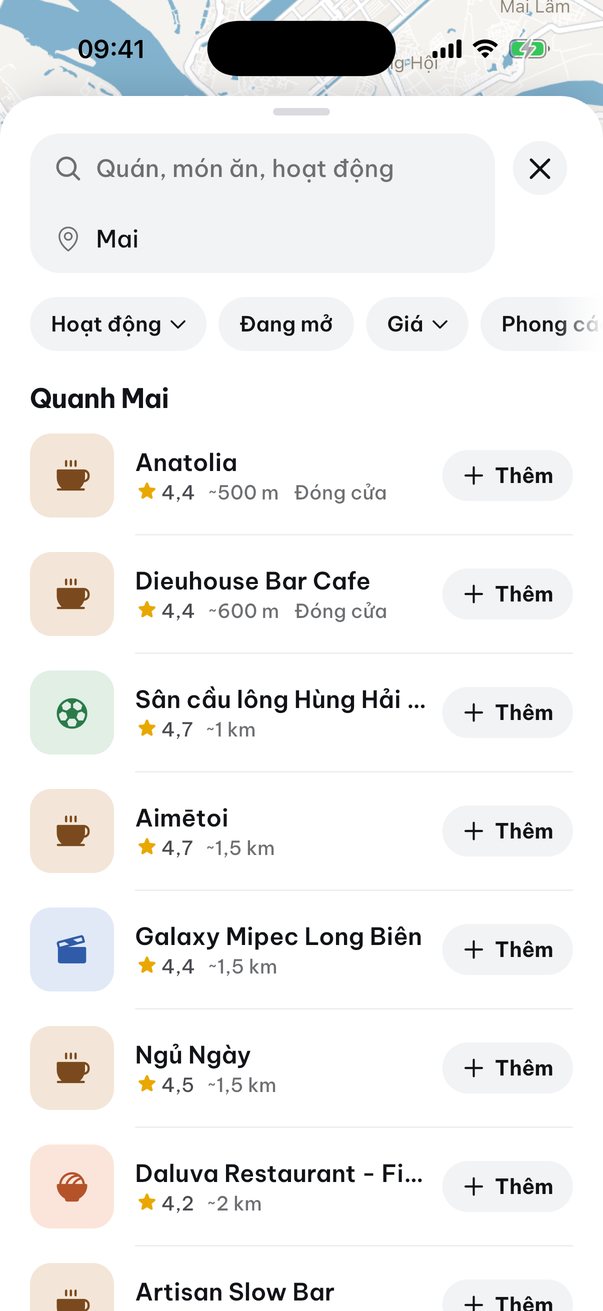
Friends without the app are still in
Someone won't install it? The host adds them to the plan by name. Nobody has to download anything.
Shown: a plan's member list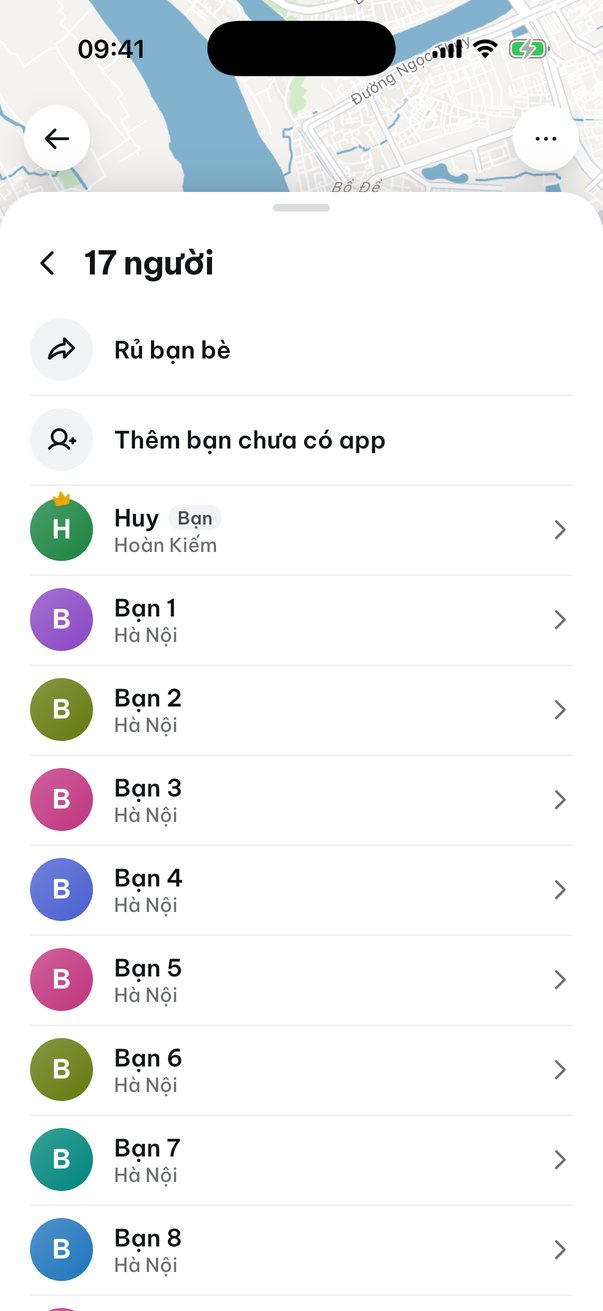
Directions come with the plan
A decided plan has the time, the address, directions and an add to calendar button. No more “wait, where is this place again?”
Shown: a plan decided at Vừa. Cà Phê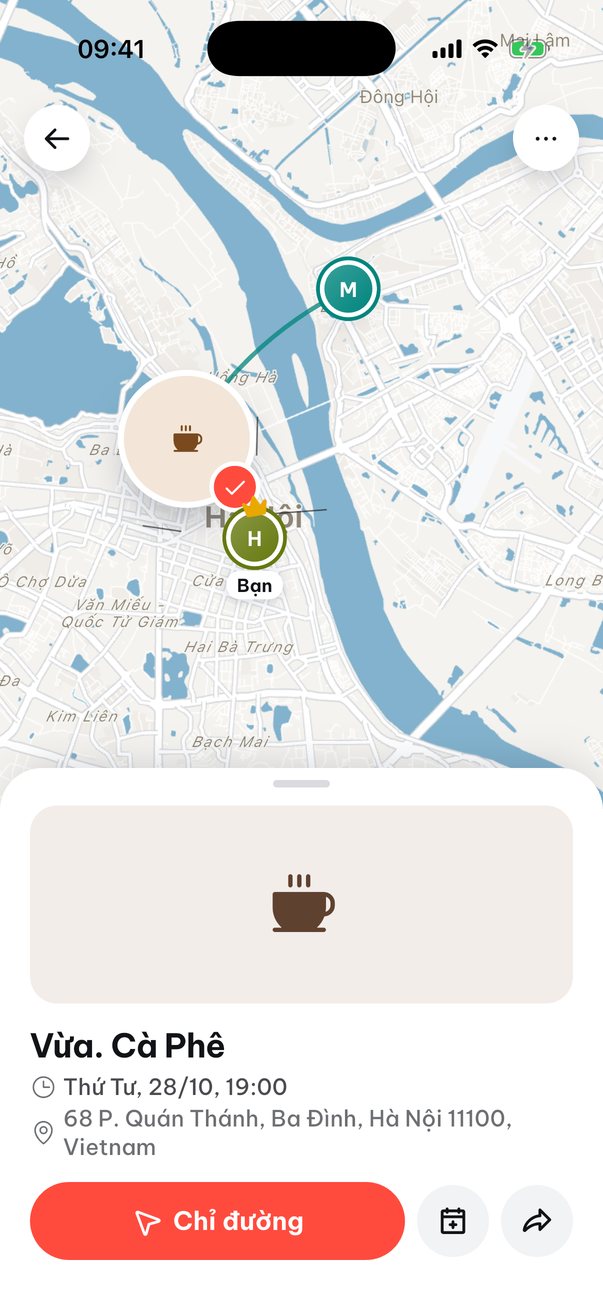
Showing up
is the fun part.
From new plan
to meeting up
The host doesn't have to do it all. Anyone in the group can add places.
-
1
Start a plan
Give it a name and drop the link in your group chat. Friends sitting next to you can scan the QR code or type the 8 character code.
-
2
Everyone adds a few places
Wedidi suggests spots around the meeting point and anyone can add more. Heart the ones you'd go to.
-
3
The host decides
The host picks the place and a time (today, this weekend, or later) and taps Decide. Changed your mind? Reopen the plan.
Find good spots near you
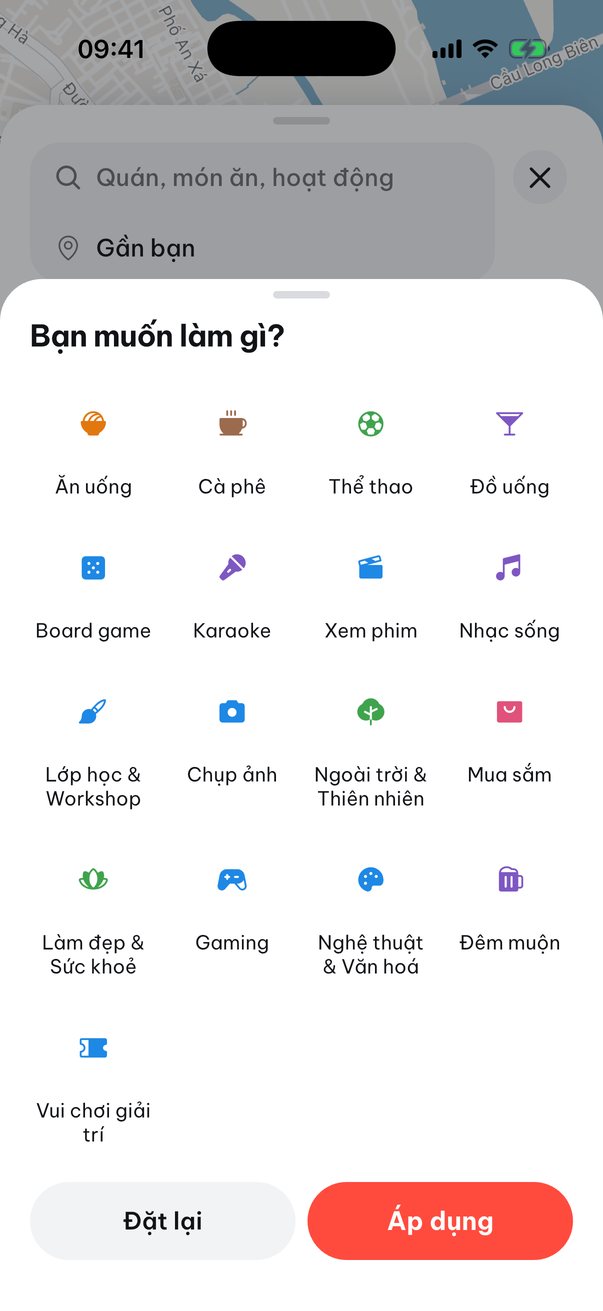
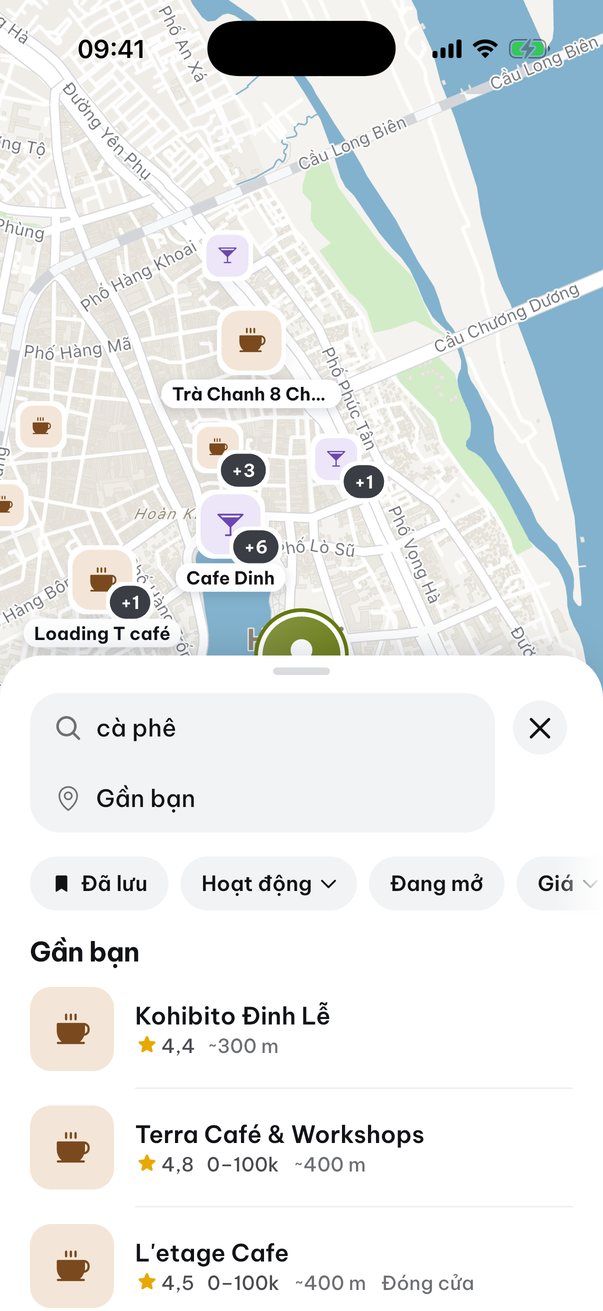
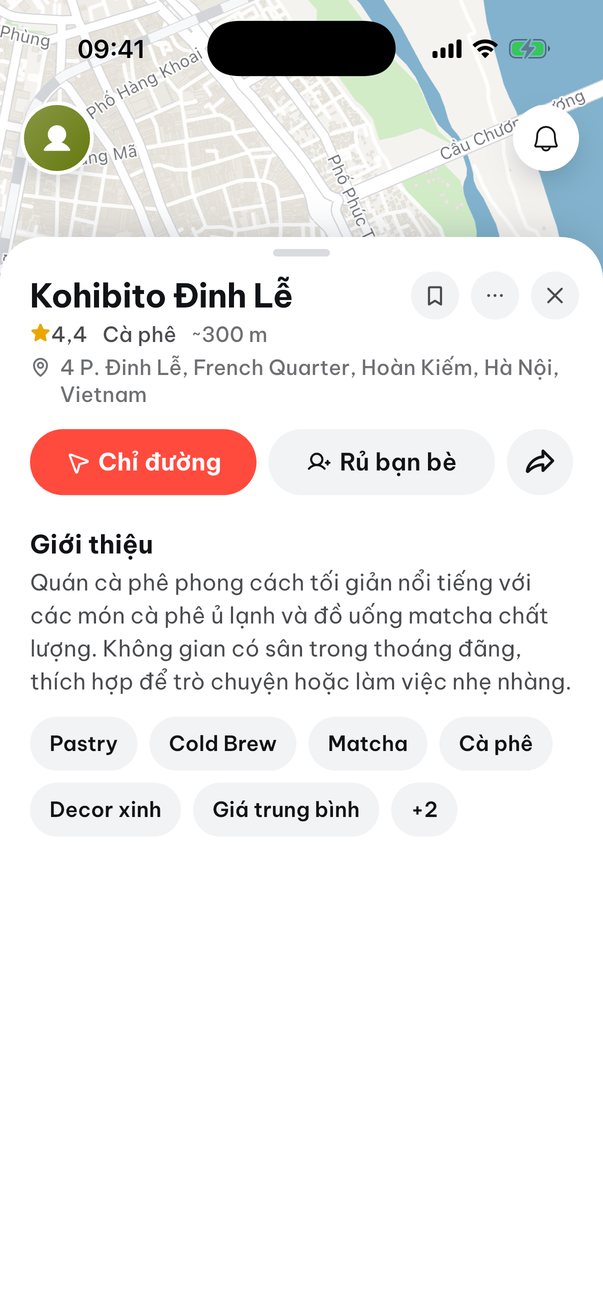
You don't need a plan to look around: cafes, food, board games and karaoke near you, filtered by price and rating.
Common questions
Does Wedidi cost anything?
No, Wedidi is free.
Do I need to create an account?
No. Open the app and start. If you want to keep your plans when you switch phones, sign in with Apple or Google.
What if a friend doesn't have Wedidi?
The host can add them to the plan by name. Friends who have the app join with the link, the QR code or the 8 character plan code.
How does Wedidi suggest places?
Wedidi suggests spots around the group's meeting point. You can also search by activity, price and rating, and see how far each place is for each person.
What if we change our minds after deciding?
The host can reopen the plan and keep choosing. Every place you added is still there. Tapped it by mistake? Hit undo.
My favorite spot isn't on the map. Can I add it?
Yes, add it in the app, ideally with a few photos. New places show up for everyone after a quick review.
What does Wedidi use my location for?
To suggest places near you and work out travel distances. The details are in the Privacy Policy.
How do I delete my account?
In the app, open Profile and choose Delete account. You can also email [email protected] from the address linked to your account and we will delete it along with all associated data.
Got plans
this weekend?
- Free
- No account needed
- English and Tiếng Việt